KLIK / 009 / HyperFrames
HyperFrames: render HTML motion graphics to video, without confusing it with a model
Create a first HyperFrames project, edit a small composition, preview and render it. Understand timing, fonts, audio, platform paths and external media costs.
 Hamza Elmakhfi
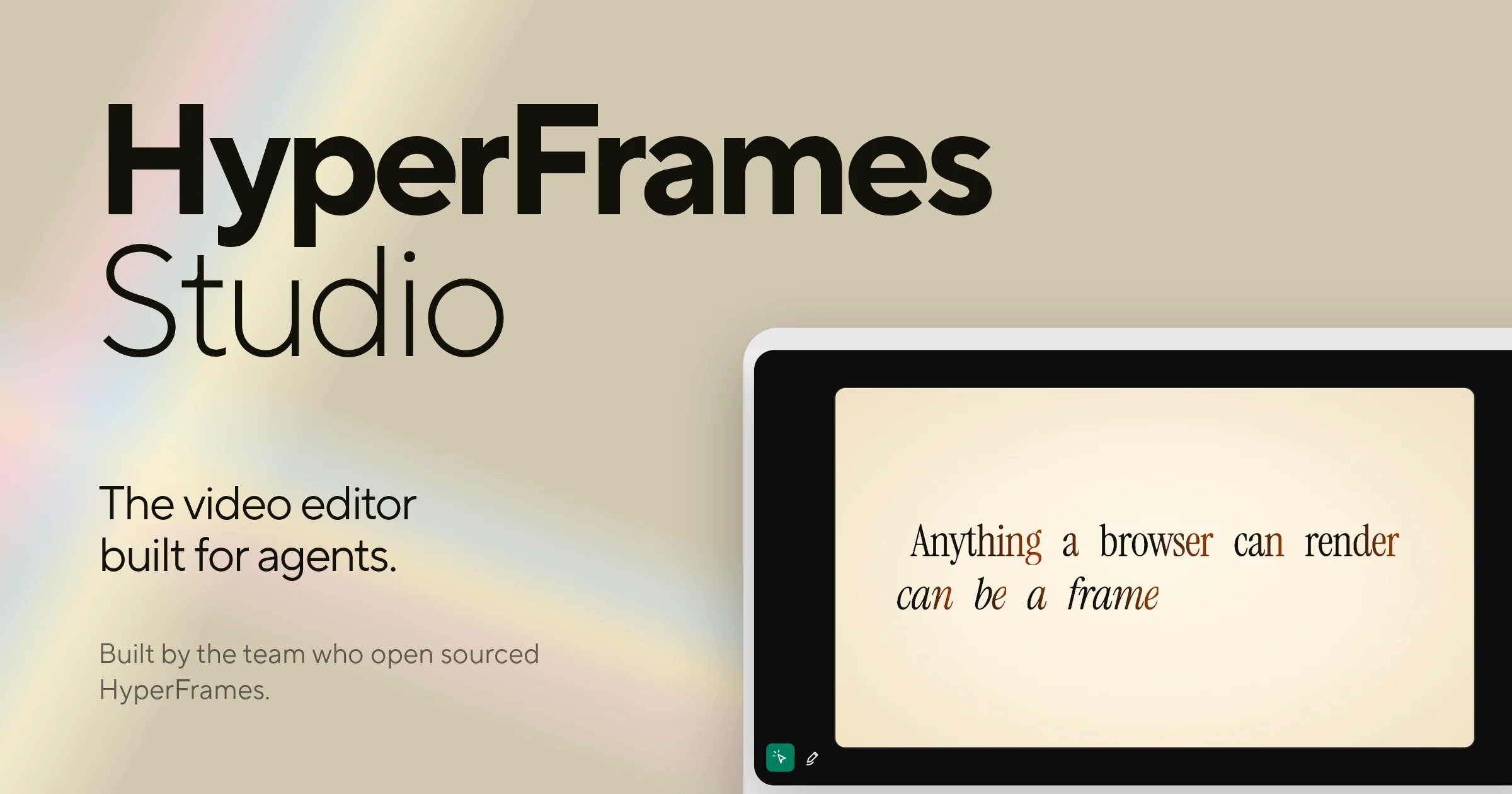
You repeat the same intro across videos: a title, two lines, a logo and a shot. Only the words change, yet the timeline needs another manual adjustment. This is work that can benefit from a written template: define layout and timing, then reuse them with new content. HyperFrames brings that approach to web files a developer or coding agent can inspect.
It turns HTML, CSS, media and seekable animation into MP4 video. It is not a model imagining live-action footage from a prompt. An AI agent can author the composition, while image and voice generation remain separate services when needed. Documentation was checked on October 25, 2026. The commands come from that documentation; we have not tested rendering this example across different operating systems.
Choose suitable work
Titles, charts, interface explanations, product intros and structured captions fit programmatic composition. Text, color and duration remain editable in files. For a repeated format, edit the template instead of repositioning every element each time.
HyperFrames alone does not generate a cinematic shot. Use filmed material, licensed stock or a separate generation provider, with its costs and rights. A conventional editor may still be more comfortable for timing driven by performances. You still decide which shot to use and when to cut; the framework handles how you build the composition.
Requirements and platform paths
The README's manual CLI path requires Node.js 22+ and FFmpeg. Storage and compute depend on resolution, duration, effects and media. There is no universal RAM or GPU minimum for every film. Test a short sample matching the intended style first.
The documented Studio desktop app is available for Mac and Linux, with Windows described as coming later. That differs from the agent and CLI route on systems supporting its tools. Avoid unofficial downloads claiming to be a released Windows desktop app. The documented Studio path requires a HeyGen account; use CLI requirements for the manual local workflow.
Start with the documented CLI workflow
In a suitable projects directory, run:
npx hyperframes init my-video
cd my-video
npx hyperframes preview
The commands create a project, enter it and start preview. my-video is the example name: use a new folder rather than overwriting existing work. npm may download the package and resources, requiring connectivity and trust in that source. A full monorepo clone is unnecessary for this first video.
For coding agents, the project also documents updating the core skills:
npx hyperframes skills updatePlugin installation is a separate client-specific path. Do not install multiple overlapping plugin and skill copies without need. Check where setup will write, especially around locally modified skills.
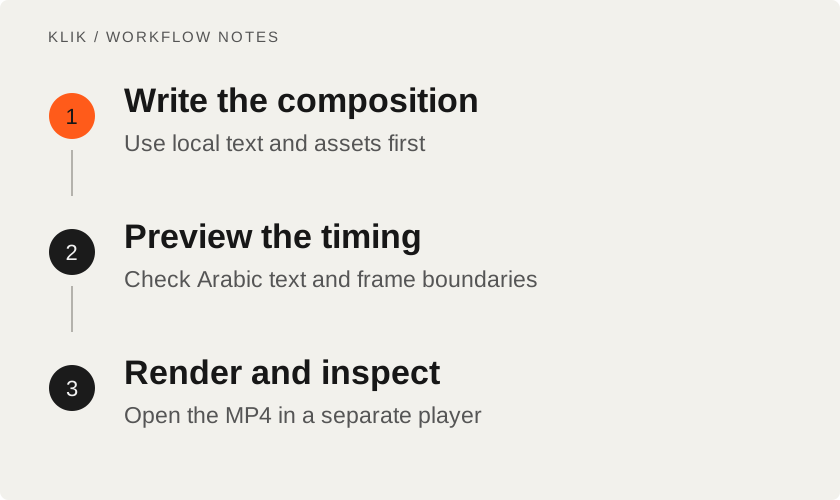
A small demonstration: a readable ten-second title
Limit the first video to a title, short explanation and simple ending. Use no paid APIs or sensitive assets. Open the files generated by init and preserve their composition structure. Change text first to confirm preview reflects an edit before introducing effects or new media.
You can give an agent this brief to write the composition. It is a suggested request, not an internal HyperFrames command:
Make a 10-second title sequence in this HyperFrames project.
Use only text and local assets. Keep Arabic text right-to-left.
Show a readable title, a short explanation and a simple ending.
Do not call paid media APIs. Preview before rendering.
Inspect the beginning, middle and final frame. Check legibility, connected Arabic letters and frame boundaries. Resizing a browser to resemble a phone does not set the video's resolution: configure the composition for its actual destination.
Make animation seekable
A video renderer must be able to inspect any time and reproduce the intended state. That is why the documentation describes seekable animation and adapters, rather than simply starting a CSS animation when a page loads. GSAP or another library needs the documented clock integration; a wall-clock animation may show the wrong state when seeking straight to five seconds.
Avoid adding unrelated timers to make a scene move. Follow the generated composition or animation guide and keep clips and audio on the intended timeline. Smooth browser playback is not proof the render will capture the same result.
Render and inspect the file
Once preview is acceptable, stop it or open another terminal in the project and use:
npx hyperframes renderUse the output path reported by the CLI rather than assuming a filename. Open the MP4 in a separate player and check duration, dimensions, first and last frames and any audio synchronization. Missing titles or substituted fonts call for checking font and asset loading before changing every effect.
Keep needed fonts and media with the project where appropriate and retain their licenses. Remote URLs can change or fail, and the render environment can differ from your open browser. Save the editable project and assets as well as the MP4.
Separate framework cost from production cost
Test a longer title before treating the composition as reusable. Check frame boundaries, reading time and whether English needs a different arrangement. A layout fitting one short sample will not fit every text. Longer chart labels and numbers may also need a different composition.
For a handoff, include a short note explaining editable fields, asset locations and the preview/render commands. Keep a reference output so the next person can recognize a changed font or missing asset before rendering a batch with the same problem.
The core uses Apache 2.0. The README describes no per-render fee for the open framework, but that does not make the entire production free. Your agent may charge, generated HeyGen or other media can consume credits, and cloud rendering has its own costs. A local project is distinct from a hosted connector operating inside an account.
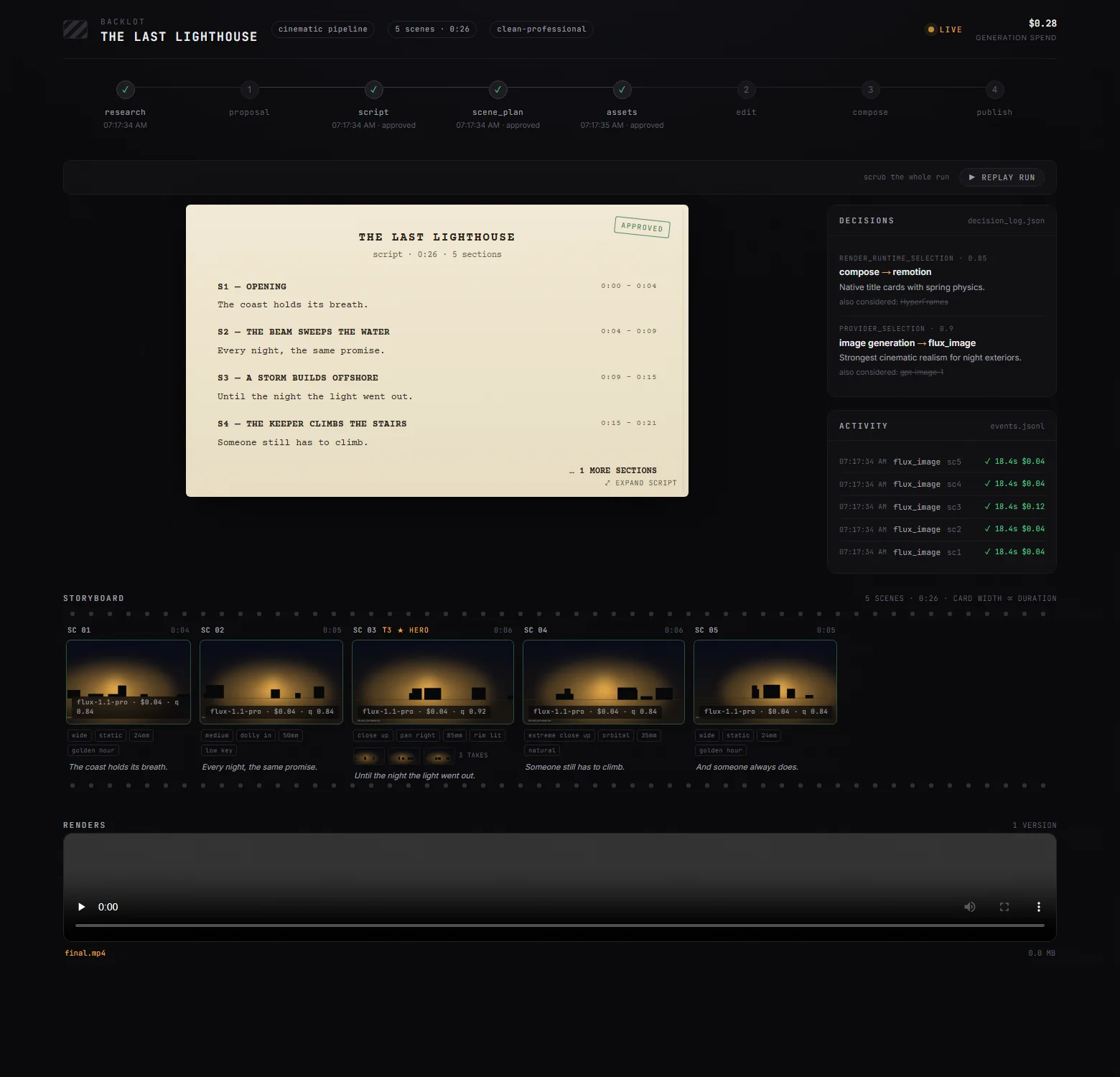
Review image, music and font rights, and do not send confidential media externally without agreement. Start with text and local assets to check timing and quality before adding external services. For coordinating script, audio and images around the composition, see OpenMontage. For speech review before it enters the timeline, see VoiceStudio.
Keep reading
All KLIK guides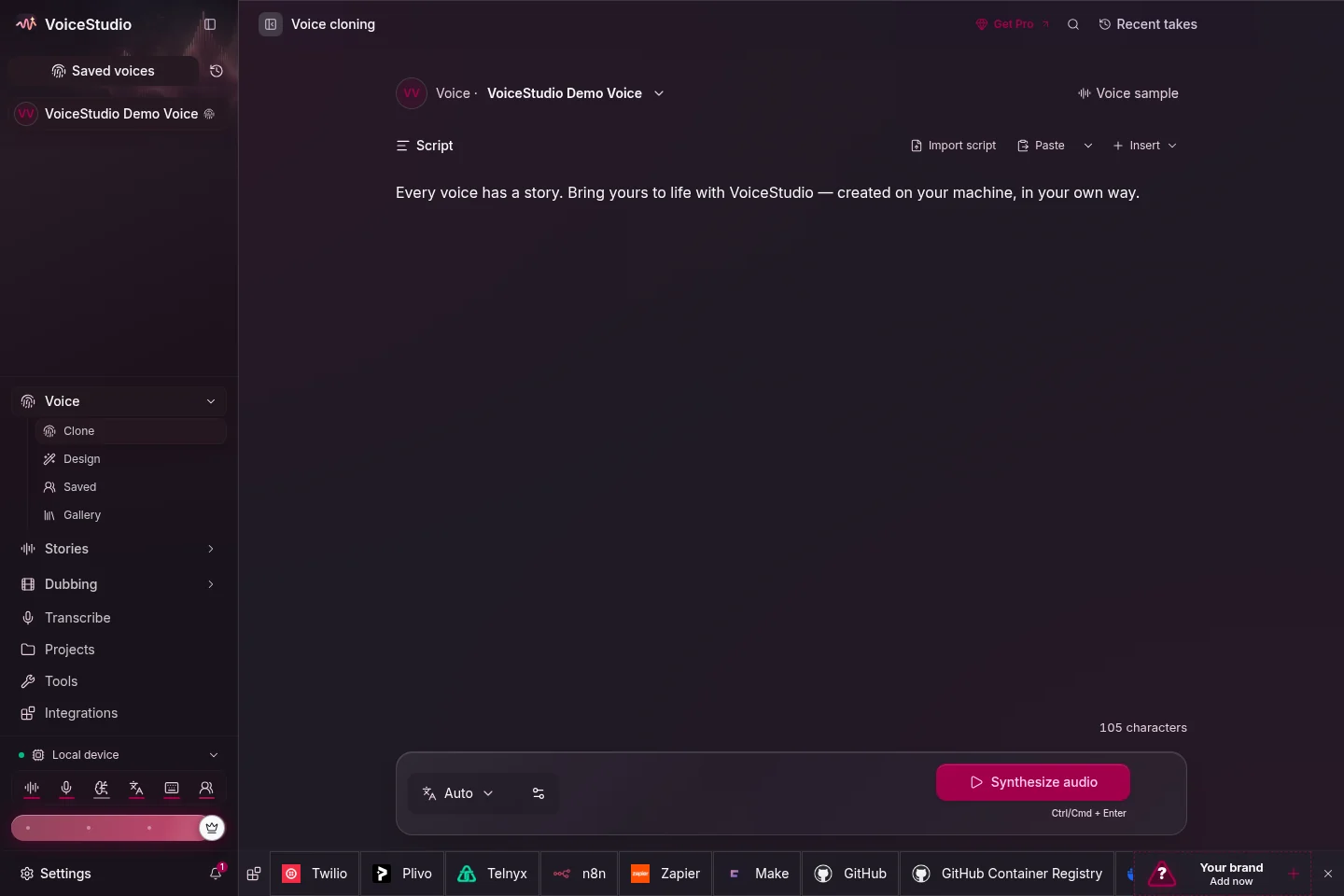
KLIK / 001VoiceStudio · English
VoiceStudio: a practical start with local voice generation and cloning
Install VoiceStudio, choose a speech engine and evaluate a first voice sample. Understand platform support, local versus remote processing and model licensing.

KLIK / 003coding agents · English
Best Vibe Coding Tools & Workflows: From Questions to Tested Code
A field-tested comparison of the best vibe coding tools—Grill Me, Superpowers Brainstorming, Mobbin MCP, Ponytail, and Context7—with practical workflow stages, a comparison matrix, and real production limitations.
KLIK / 005OpenMontage · English
OpenMontage: orchestrate video production without the free one-click myth
Follow OpenMontage from brief and scene plan to assets and render. Set up a first workflow, distinguish rendering from generation and control provider costs.