KLIK / 008 / Paperclip
Paperclip: coordinate agents, tasks and budgets without the autonomous-profit claim
Start Paperclip locally with one agent, a narrow goal, approvals and budgets. Understand the coordinator, external runtimes, permissions and operating costs.
 Hamza Elmakhfi
One agent gathers sources, another writes and a third reviews. Each lives in a different conversation, files are scattered and nobody knows which task is waiting on which. Adding a fourth agent may not help. What is missing could be a shared place for goals, owners, approvals and costs.
Paperclip provides that coordination. It is not a new model or an employee who understands a business without direction. Its interface uses companies and roles, but creating a company in software does not create a profitable business. This guide follows official documentation checked on October 25, 2026, but we have not tested running an autonomous company with it.
Separate coordination from execution
Paperclip stores goals and tasks, connects agents through adapters, and tracks runs, decisions and spending. The executing agent may use Claude Code, Codex or another supported runtime. Its model, account, permissions and costs remain separate.
That separation matters when work stalls. Is the failure in the queue, adapter, model account, permissions or an unclear task? Even with a green status, open the output and compare it with the task. If something is missing, check the run log to find where the work stopped.
Choose a small process to organize
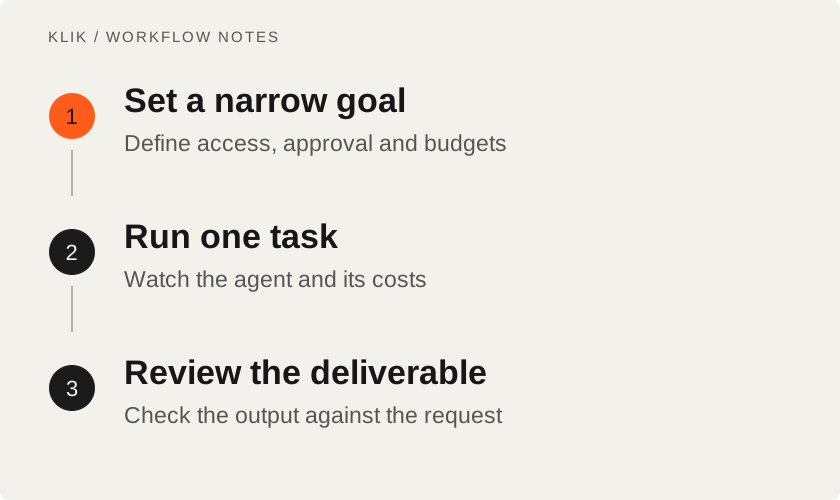
Start with repeated work you know how to review, such as an internal brief drawn from official sources, with no sending or publication. Define inputs, output and boundaries: no production changes, purchases or account messages. Every integration adds potential actions, not just another dashboard label.
For occasional questions to one agent, a coordination system may create more setup than value. Its benefit appears when work needs tracking, permissions and review between stages. Do not design a ten-role organization before one task succeeds.
Prepare the local runtime
Current CLI documentation requires Node.js 24.11.0 or newer. If an older Node version only produces a warning, that still does not make it a supported setup. The usual local path can provide embedded PostgreSQL, so a separate database server is not inherently required to start. If using your own database, follow the documented configuration and keep test data away from a live service.
Check host, adapter and agent runtime compatibility for the chosen path. Having Node installed does not guarantee every local dependency on Windows, macOS or Linux. There is no universal RAM or GPU figure across coordinator, sandbox and local-model choices.
- Read the official guide and confirm the Node requirement.
- Use a normal terminal and a separate test location. Review the npm package source.
- The README's quick-start command is:
npx paperclipai@latest onboard --yes- Complete local setup and note the printed configuration and data locations.
--yesaccepts the path's default confirmations, so read the guide before using it. - If onboarding does not launch the instance, follow the documented CLI
runstep rather than accidentally starting two instances against the same data.
An npx trial differs from a managed installation or background service. A permanent service is unnecessary for the first task. Review update, rollback and backup procedures before keeping it running.
Create the first company and agent
The official walkthrough creates a company and a CEO agent connected to a suitable adapter. CEO is an organizational role, not someone assuming your responsibility. Set a narrow goal: an internal brief from three official sources, with links for claims and no publication. Review the proposed strategy before approval.
Set company and per-agent budgets before enabling heartbeats. A heartbeat gives an agent an opportunity to inspect assigned work and run, potentially while you are away. Budget controls help, but also check spending limits at the provider rather than relying on one dashboard.
Observe a limited run. Does the task have an owner, output and review? Does the agent stop for missing permission or information? Correct expanding scope before adding teammates. An unclear brief can spread across the whole team.
Write work that can be accepted
Replace “do marketing” with a specific deliverable and location. For the internal brief, request sources, a short summary, uncertain claims and a named output file. Say when you will consider the task finished and which actions the agent must ask you about first. This distinguishes visible activity from useful work.
After one task works, add a reviewer with a limited role: compare claims with sources instead of approving polished prose. A reviewer should not rebuild the project or change the goal unnecessarily. Two agents repeating an error do not establish a fact.
Check access and stored data
Use credentials scoped to the task. Connecting repositories, files or publishing services may enable consequential reads and writes. Review agent access and where approval happens. Human approval is useful only if the relevant operation actually stops before execution.
Paperclip distinguishes trusted-local and authenticated deployment modes. Do not expose a local instance publicly on the assumption its defaults are suitable. Secrets, logs, attachments and backups remain stored after the conversation ends; check who can access them. The README also documents telemetry and opt-out settings. Self-hosting alone is not proof of no external communication.
Measure a deliverable, not an organization chart
When a task loops without a result, do not immediately increase its budget. Inspect the latest run for a pending approval, missing input or repeated error. Pause unproductive repetition while diagnosing it and retain a short incident record. Correct the starting condition or definition of done, then retry the same limited example. This distinguishes genuinely large work from an unclear task consuming calls before the problem spreads to the team.
Paperclip uses MIT, but execution may involve model calls, agent plans, sandboxes, storage and hosting. Compare cost events with provider billing, particularly around retries. Neither more agents nor a small budget repairs a poor process automatically.
Check whether work met its requested accuracy, whether its history is understandable and whether its cost makes sense. If those answers are unclear for a small project, keep testing before leaving it running unattended. Before real work, use the deployment checklist for backup, monitoring and recovery, and keep approval of consequential actions with a person.
Keep reading
All KLIK guides
KLIK / 003coding agents · English
Best Vibe Coding Tools & Workflows: From Questions to Tested Code
A field-tested comparison of the best vibe coding tools—Grill Me, Superpowers Brainstorming, Mobbin MCP, Ponytail, and Context7—with practical workflow stages, a comparison matrix, and real production limitations.

KLIK / 004deployment · English
Six checks before deploying your app: evidence, backups and a way back
Six practical release checks for small apps: critical paths, secrets, production builds, restore tests, and rollback planning.
KLIK / 005OpenMontage · English
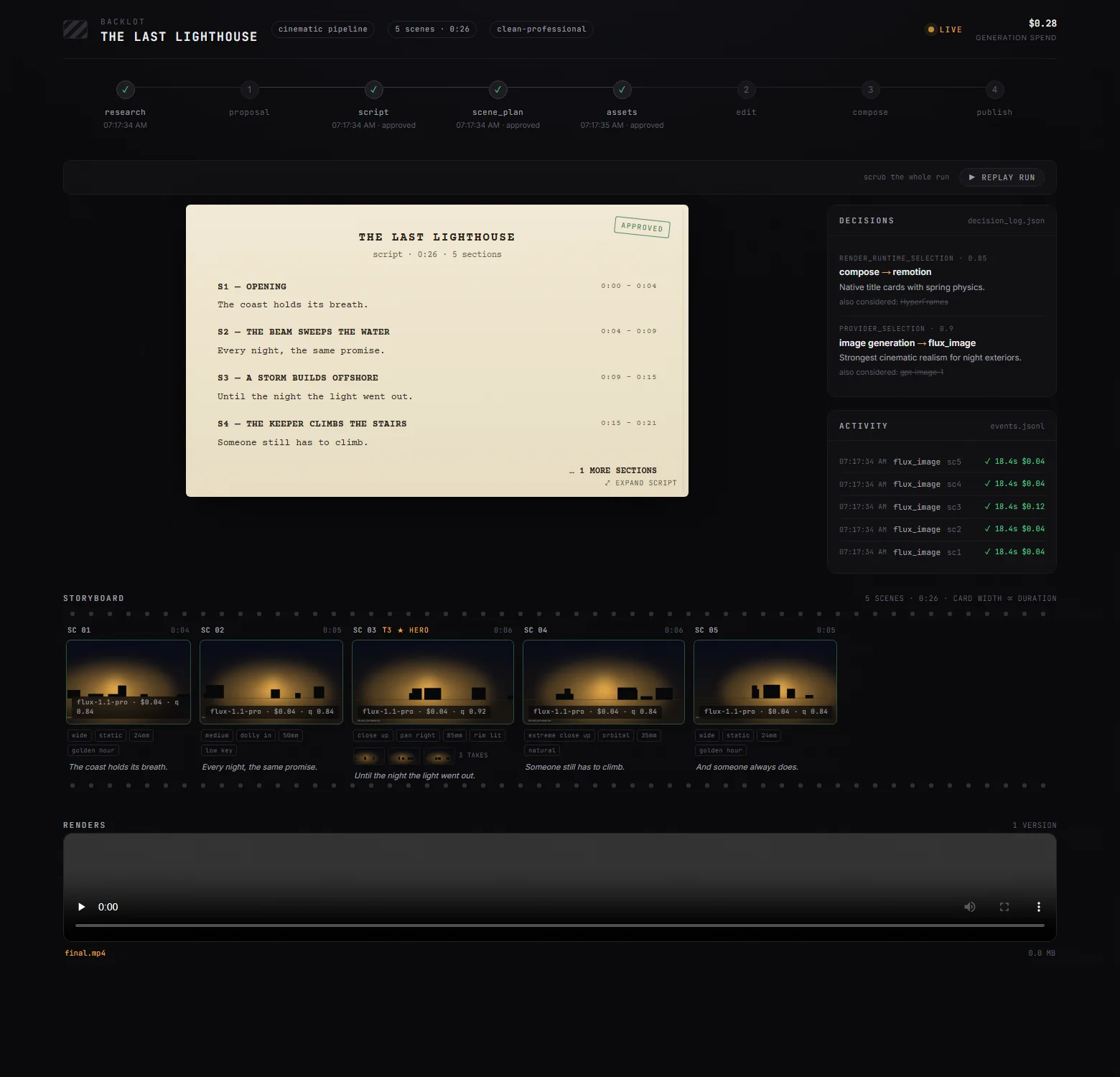
OpenMontage: orchestrate video production without the free one-click myth
Follow OpenMontage from brief and scene plan to assets and render. Set up a first workflow, distinguish rendering from generation and control provider costs.