KLIK / 004 / deployment
Six checks before deploying your app: evidence, backups and a way back
Six practical release checks for small apps: critical paths, secrets, production builds, restore tests, and rollback planning.
 Hamza Elmakhfi

“It works on my machine” leaves out your open session, warm cache and local configuration. The first person opening a shared link has none of those advantages. Before deploying, inspect the build from their position and decide what you will do if it fails.
This checklist does not guarantee complete security. It helps you test common failure points and record what works and what still needs fixing. Command examples apply to a Node and Vite project only when that is its actual architecture. Other applications need their own documented procedures. We reviewed the official sources on October 25, 2026. The examples explain the checks; you still need to run them and record the results in your own project.
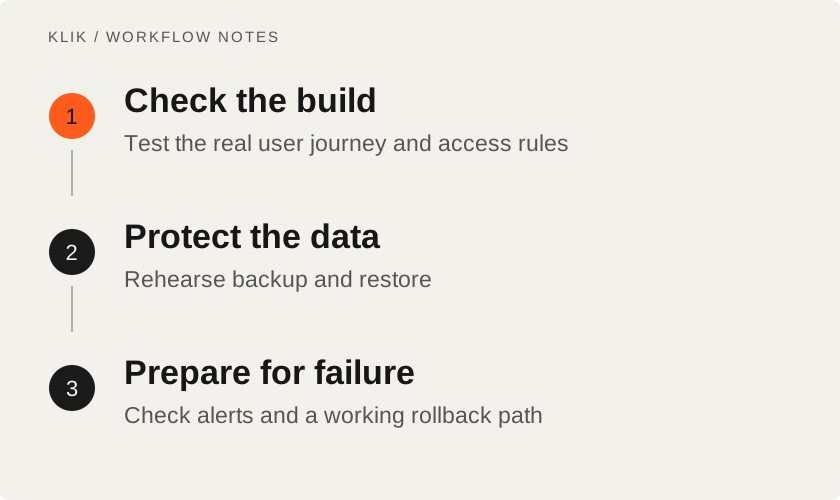
1. Test the reason someone uses the application
Describe the critical path before choosing a test framework. For a file-sharing service: upload, copy the link, open it as another user and confirm expiry. Include an oversized file, missing link and interrupted connection. Loading a page without an error does not prove that workflow.
Run existing tests and try a fresh session without a saved login. Check mobile, keyboard operation, form errors and empty data. For a bilingual application, test language switching and direct article links. Record passes, failures and anything you could not test.
Prioritize paths that can lose data, reveal it or create charges. A small regression check that catches a real failure is more valuable than many assertions repeating the implementation.
2. Inspect secrets and permissions
Review API keys, passwords, tokens and environment files before building. Vite exposes variables with the VITE_ prefix to client code through its environment system. A hidden-looking .env file does not make a bundled service key secret. Keep server credentials in server-side code and configuration, and out of logs.
Use an unauthorized account to test access. Can changing an ID retrieve another person's file? Hiding a button does not enforce authorization; the server returning data or performing the operation must check permission. Keep the feature private until you have checked those permissions.
If a secret entered Git history or a screenshot, remove it and rotate it at the provider. Deletion alone does not make it private again. Use limited credentials and review test accounts. Follow OWASP's secret lifecycle guidance, using appropriate hosting secret storage instead of building an unnecessary replacement.
3. Build production and inspect that artifact
For an npm project with a committed lockfile, npm ci installs according to that file and fails on a mismatch with package.json. It removes existing node_modules first. Use it in an appropriate checkout or CI environment, not inside a running service that depends on the same directory. Review lifecycle scripts before installing.
A Vite project with the usual scripts uses:
npm run build
npm run preview
Those script names must actually exist in your package.json. Preview is a local build inspection server, not a production server. If prerendering is part of the project, inspect generated HTML, internal routes, 404 behavior and metadata. Refresh a nested route directly to expose hosting routing problems.
Check the release environment: API endpoint, redirects and service domain. A successful build with the wrong endpoint can produce an interface that opens but never completes its task. Test the artifact intended for deployment without replacing the existing toolchain merely to run a check.
4. Prove you can restore data
Define the backup scope: database, uploaded files and service configuration, with secrets stored appropriately. PostgreSQL documents pg_dump as one backup method. Authentication, command options and restoration depend on your setup; do not paste an unfamiliar command into a live database environment.
Restore into a separate environment and read the result. Are records usable and linked uploads present? Record the backup date, software version, storage location and who can access it. If the backup and original share a disk and access permissions, a disk failure or accidental deletion could remove both.
Before a migration, understand reversibility. Dropping a column or changing its meaning may make the old application incompatible. If reverting code is insufficient, plan the data recovery too. A static site without a database does not need a fictional migration procedure: retain its source, build artifact and necessary hosting configuration.
5. Decide how failure becomes visible
Choose signals tied to the task: failed submissions, API errors, response time or incomplete operations. Logs should help associate an error with a request and time without collecting passwords or document contents. An alert also needs someone who receives it and knows the next action.
OpenTelemetry supplies instrumentation and standards for traces, metrics and logs. It is not a complete storage and analysis service on its own. Existing hosting monitoring may be enough; add a suitable backend when needed. Review cost and retention before forwarding every event to another service.
Create a harmless test failure in the test environment and confirm the expected signal arrives. An empty dashboard can mean no failures or a broken integration. A controlled test distinguishes them.
6. Prepare rollback before the release
Record the last known working version, how to restore it and required access. Retain a clearly identified release artifact. In CI, review approvals, environments and concurrency so deployments do not overwrite each other. GitHub documents those controls; use the ones appropriate to your delivery system.
Define stop conditions, such as lost data, a broken critical path or repeated errors. Rehearse rollback in staging with relevant constraints. Reverting code does not necessarily revert the database and should not silently erase data created after deployment.
Keep a small release record
Write down the owner, version, test time and result. Use this table to record the checks; it does not certify that the application is secure:
| Check | Evidence to retain |
|---|---|
| Critical path | Steps and result against the production build |
| Secrets and access | Permissions checked and anything still unverified |
| Data | Backup date and successful restore result |
| Monitoring and rollback | Alert test and rollback procedure |
State untested areas plainly. That makes it possible to decide whether to release or keep testing. The vibe coding workflow can help tie future repairs to a requirement and a meaningful test rather than another endless prompt cycle.
Keep reading
All KLIK guides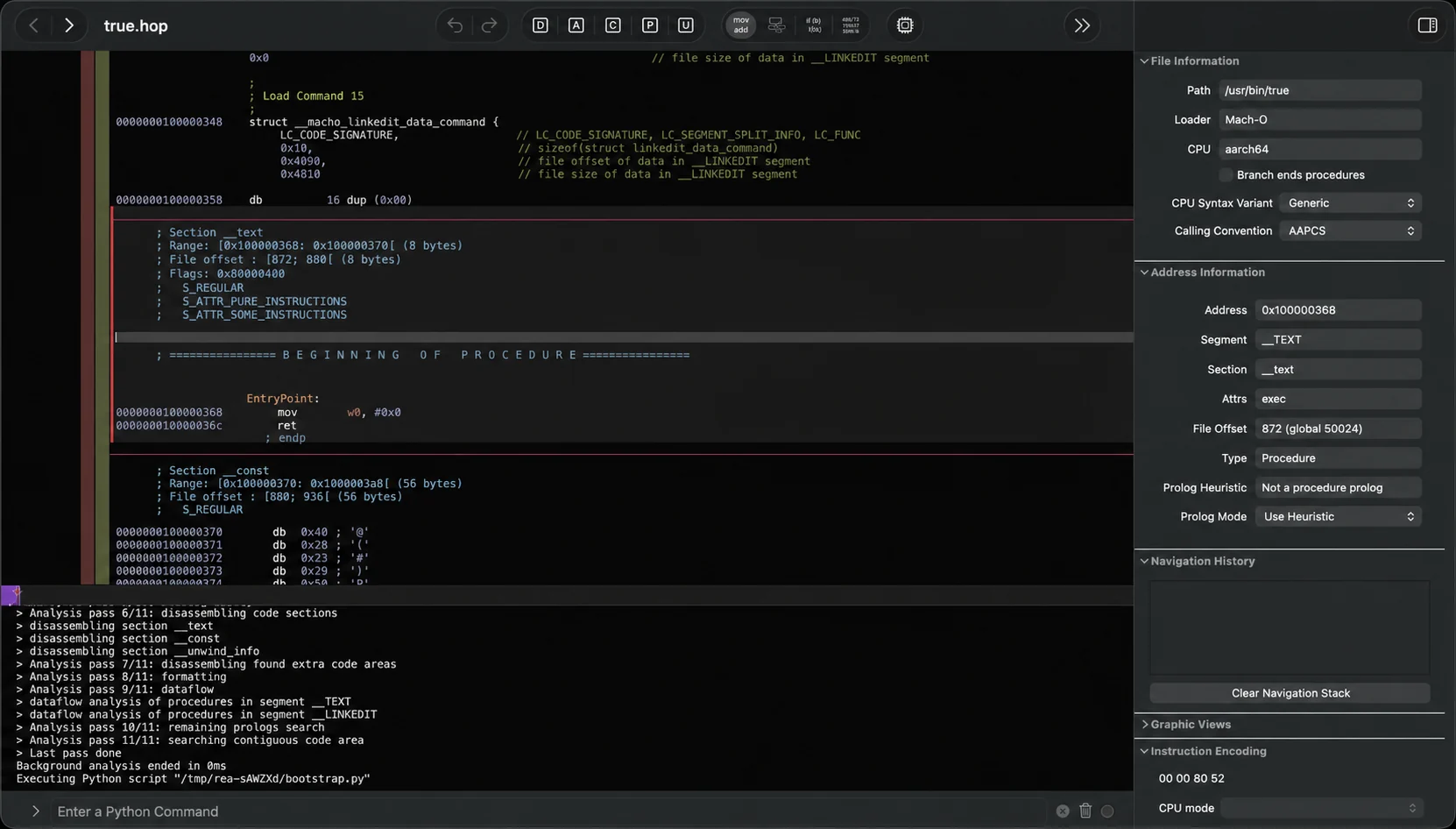
KLIK / 002REA · English
REA: investigate software with evidence, without promising source recovery
Set up Reverse Engineer Anything via MCP: choose an analysis provider and inspect permitted apps while understanding evidence and limits.

KLIK / 003coding agents · English
Best Vibe Coding Tools & Workflows: From Questions to Tested Code
A field-tested comparison of the best vibe coding tools—Grill Me, Superpowers Brainstorming, Mobbin MCP, Ponytail, and Context7—with practical workflow stages, a comparison matrix, and real production limitations.
KLIK / 008Paperclip · English
Paperclip: coordinate agents, tasks and budgets without the autonomous-profit claim
Start Paperclip locally with one agent, a narrow goal, approvals and budgets. Understand the coordinator, external runtimes, permissions and operating costs.