KLIK / 006 / Pinokio
Pinokio: simpler AI app setup, with a clear view of script trust
Install Pinokio, inspect script sources, and run supported local AI apps while separating install success from private utility.
 Hamza Elmakhfi
An interesting AI tool leads you to a README full of Python, CUDA and environment commands. You postpone trying it because you cannot tell what installation will change. Pinokio puts scripted installation and launch controls behind an interface. That can make setup easier to follow, without making every application compatible with every machine.
Pinokio is a launcher, not the voice or image model itself. Each target application retains its own dependencies, license, downloads and failure modes. This guide follows official sources checked on October 25, 2026, but we have not tested installation of every application in the catalogue.
What the launcher changes
A script can prepare an environment, retrieve dependencies and start a local service. The interface keeps progress and output together, so you can return to the same project later. This helps when experimenting with several tools without mixing every Python package into one environment.
Scripts still execute real commands, download files and run them with your user permissions. The project's own policy compares Pinokio to a terminal with a friendlier interface. Approve a known source rather than a name or screenshot. A single button does not remove the consequences of its commands.
Check the target application's requirements
The reviewed release provides packages for Windows, macOS and Linux, with architecture-specific assets where available. Match the launcher to your system, then check the target application separately. A Mac launcher does not make a script requiring NVIDIA CUDA use that same path on a Mac.
Allow space for applications, environments and weights. There is no universal RAM or VRAM minimum across the catalogue. Read the target's README for CPU support, supported GPUs and documented storage needs. If requirements are missing, check the application's guide or ask its developers before a large download or hardware purchase.
Downloading applications and resources needs connectivity. API workflows need accounts, keys and possibly paid credit. Local tools still consume storage and machine time. Choose one small test instead of downloading every model shown.
Install from the official release
- Open the official repository and its Releases page. Check the owner and project against the resources below.
- Choose the package matching your operating system and architecture. Read release notes, especially for an update.
- Follow the platform's installation instructions. Avoid unfamiliar mirrors.
- Open Pinokio and review requested resources, disk use and permissions during setup.
- Before installing an application, read both the script source and the application's own guide.
Do not automatically run an administrator terminal or disable antivirus for an unknown download. Investigate the specific warning and verify its source. Before following a tutorial that tells you to disable protection, find out why the system blocked the file. Stop the installation if the reason remains unclear.
Distinguish Discover from arbitrary shared links
The project describes a review and publication process for scripts featured in Discover under Pinokio Factory. That lets you check who published the script and how it was reviewed. It does not guarantee every future dependency is problem-free or turn an environment directory into a complete security sandbox.
User posts and shared application links are not necessarily the same as featured scripts. Check which repository will actually be downloaded, what it runs and whether its requirements match your system. A “verified” label without that context is not enough.
First use: one application, one result
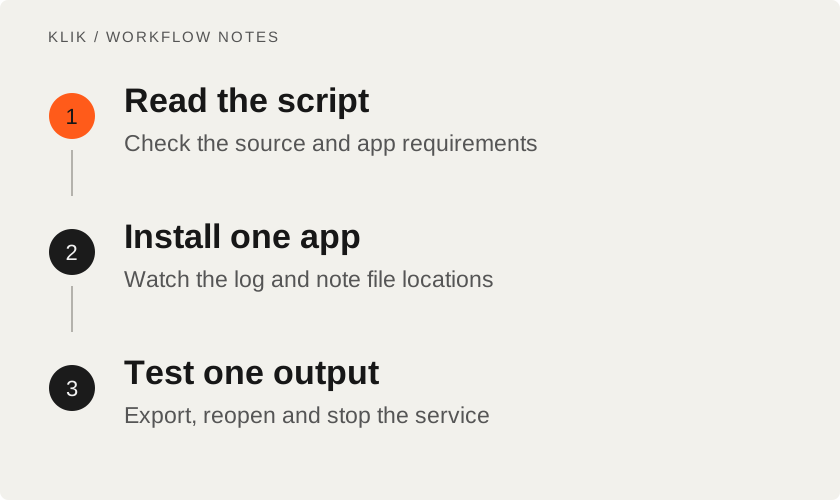
Choose an application with clear instructions and appropriate requirements. Review storage, start installation and watch the log rather than launching five downloads. Once dependencies finish, start the app through its controls and open the local address it prints. Note the project and output directories.
Use a small, non-sensitive test file. Keep personal documents and client material out of the first attempt. Define success beyond an opening interface: can it complete the task, export a valid file and reopen that result? This catches incomplete installations earlier.
Stop the service through its controls when finished and confirm the process has ended. Closing a browser tab does not prove the backend stopped. Before trying another tool, check for occupied ports or memory left in use, particularly when applications share one GPU.
Troubleshoot before resetting
Find the first meaningful error rather than only the last log line. Record the Pinokio version, script repository, operating system and architecture. Model-download failures, incompatible packages and driver issues need different fixes. Do not use a broad reset without understanding whether it removes models or valuable outputs.
If only one application fails, check that script and application's issues before assuming the launcher is responsible. Remove credentials and sensitive paths from shared logs. Inspect commands offered in replies, even when someone calls them a guaranteed fix.
Privacy, updates and licenses
Before reinstalling an application, inventory its inputs, outputs, presets and previously downloaded models. You do not necessarily need a copy of every environment, but identify anything difficult to replace. If a reset button's effect on those directories is unclear, inspect its script first. Saving results and settings can spare you from downloading and generating everything again.
Pinokio's policy describes default project directories and virtual-environment separation. That organizes dependencies; it does not prohibit a running application from accessing other files or the network. A local UI can still call an external API. Inspect the target and its configuration before promising local-only processing.
Pinokio uses MIT, while applications, model weights and services have separate conditions. Back up irreplaceable files before updates and read important changes. The launcher does not guarantee permanent compatibility with arbitrary GitHub projects.
Pinokio can help organize experimentation when you are willing to inspect sources and results. There is no need to migrate an established direct installation merely for a new interface. For audio, VoiceStudio offers a practical example of what to evaluate after installation finishes.
Keep reading
All KLIK guides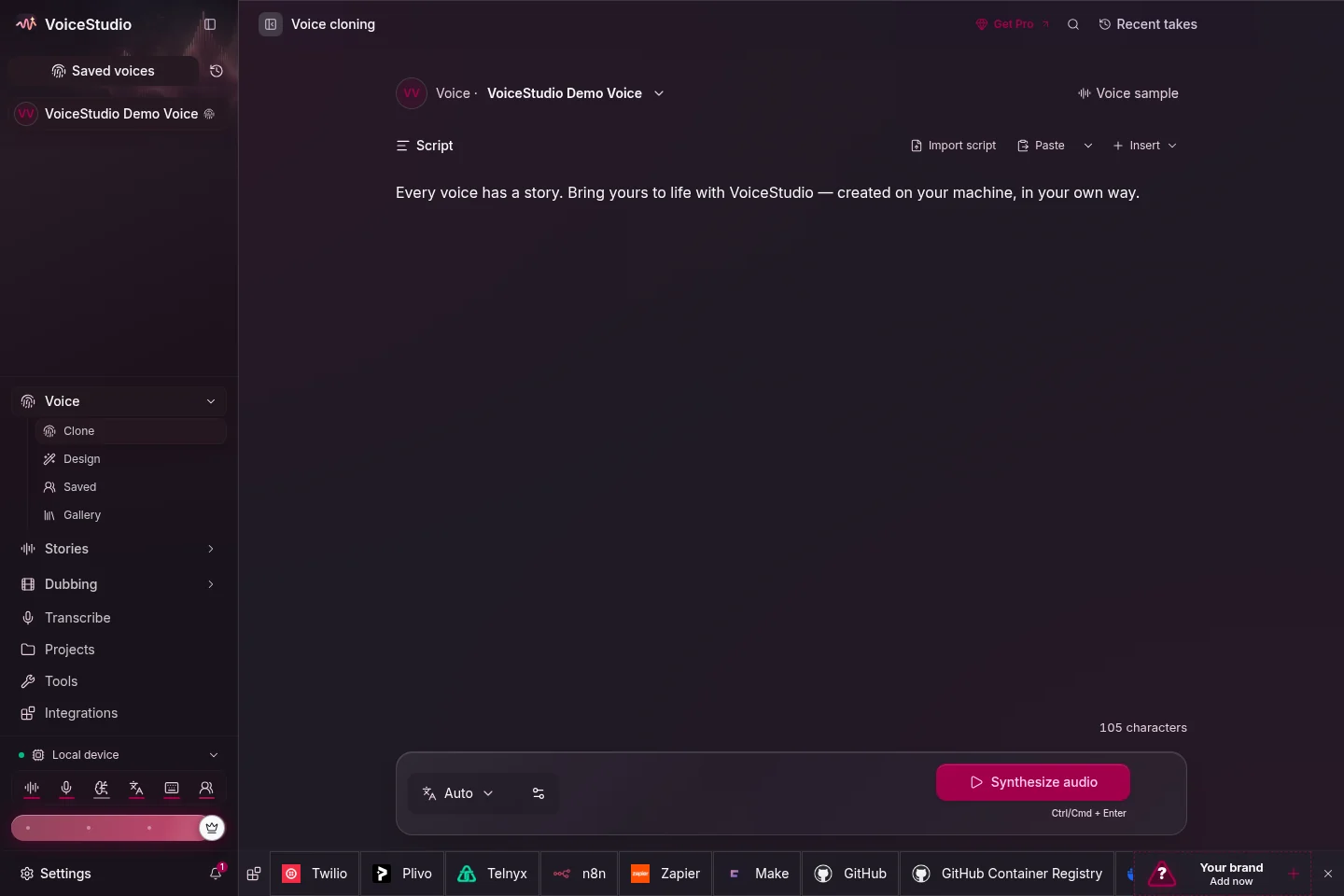
KLIK / 001VoiceStudio · English
VoiceStudio: a practical start with local voice generation and cloning
Install VoiceStudio, choose a speech engine and evaluate a first voice sample. Understand platform support, local versus remote processing and model licensing.
KLIK / 005OpenMontage · English
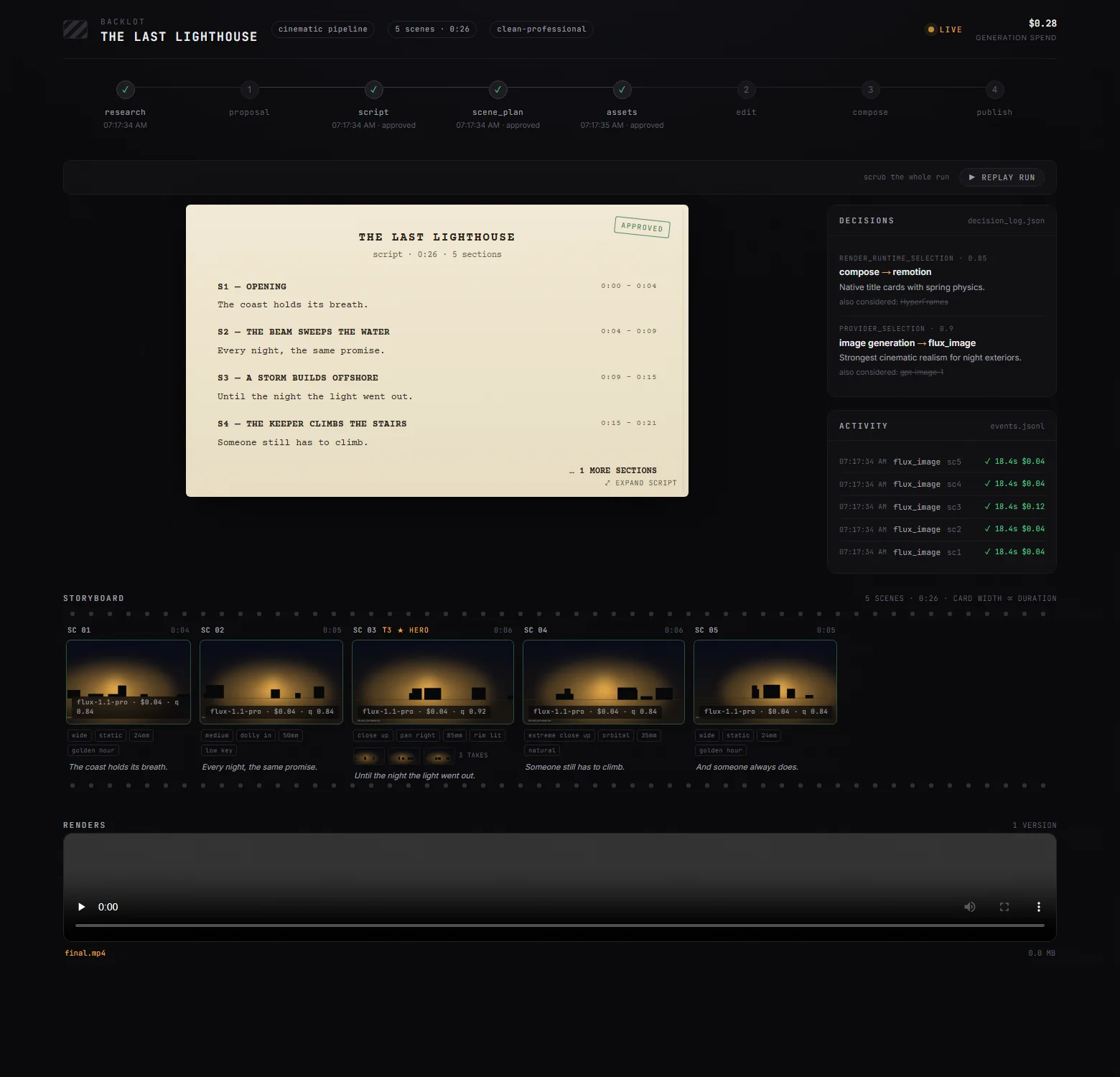
OpenMontage: orchestrate video production without the free one-click myth
Follow OpenMontage from brief and scene plan to assets and render. Set up a first workflow, distinguish rendering from generation and control provider costs.
KLIK / 010Stirling PDF · English
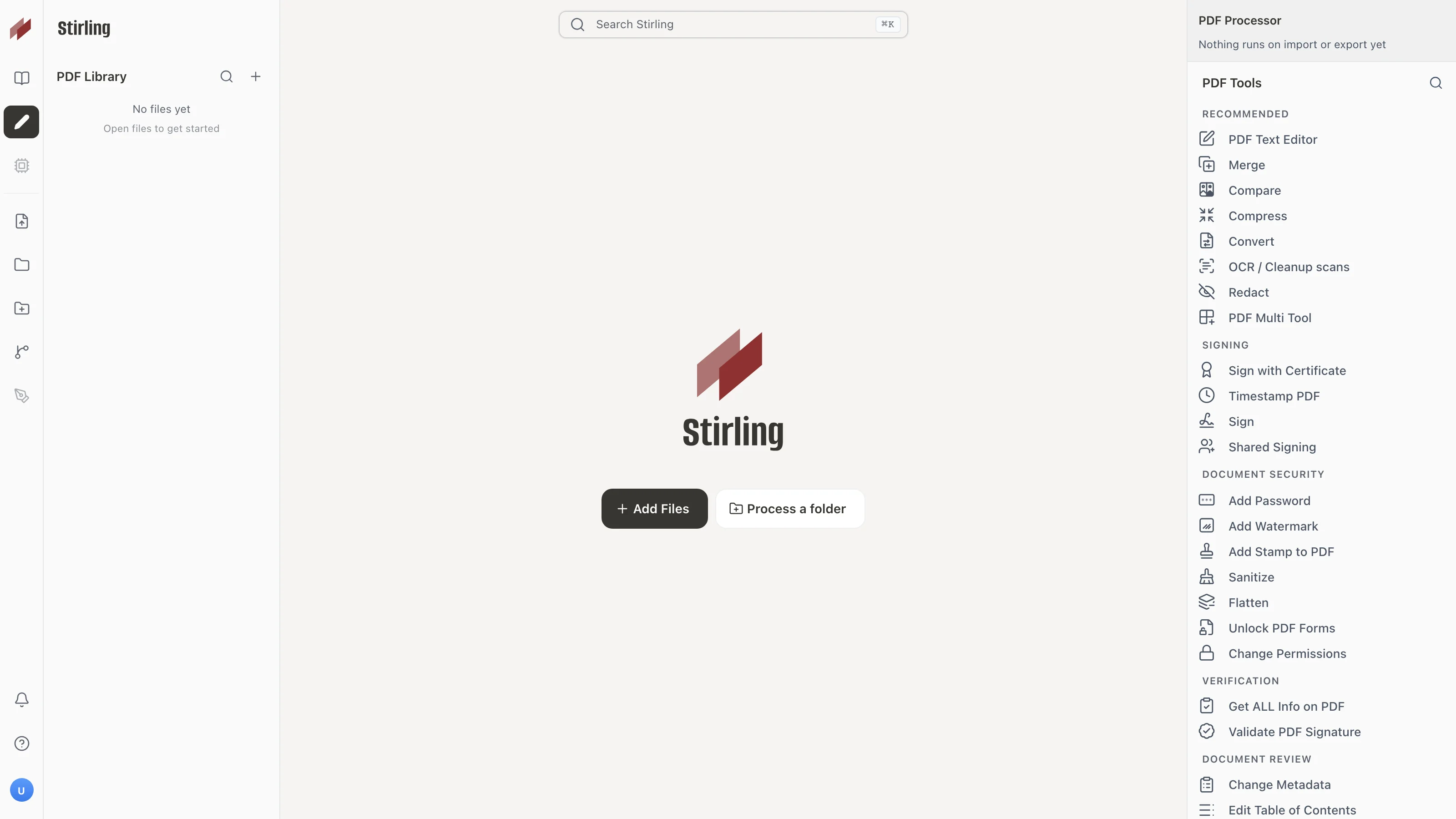
Stirling PDF: combine and review documents while knowing where processing happens
Install Stirling PDF for merging, OCR, and redaction. Understand Local Only vs Cloud processing, privacy boundaries, and licensing.